
HDD 3D animation – Hard disk drive internal visualization
Project overview
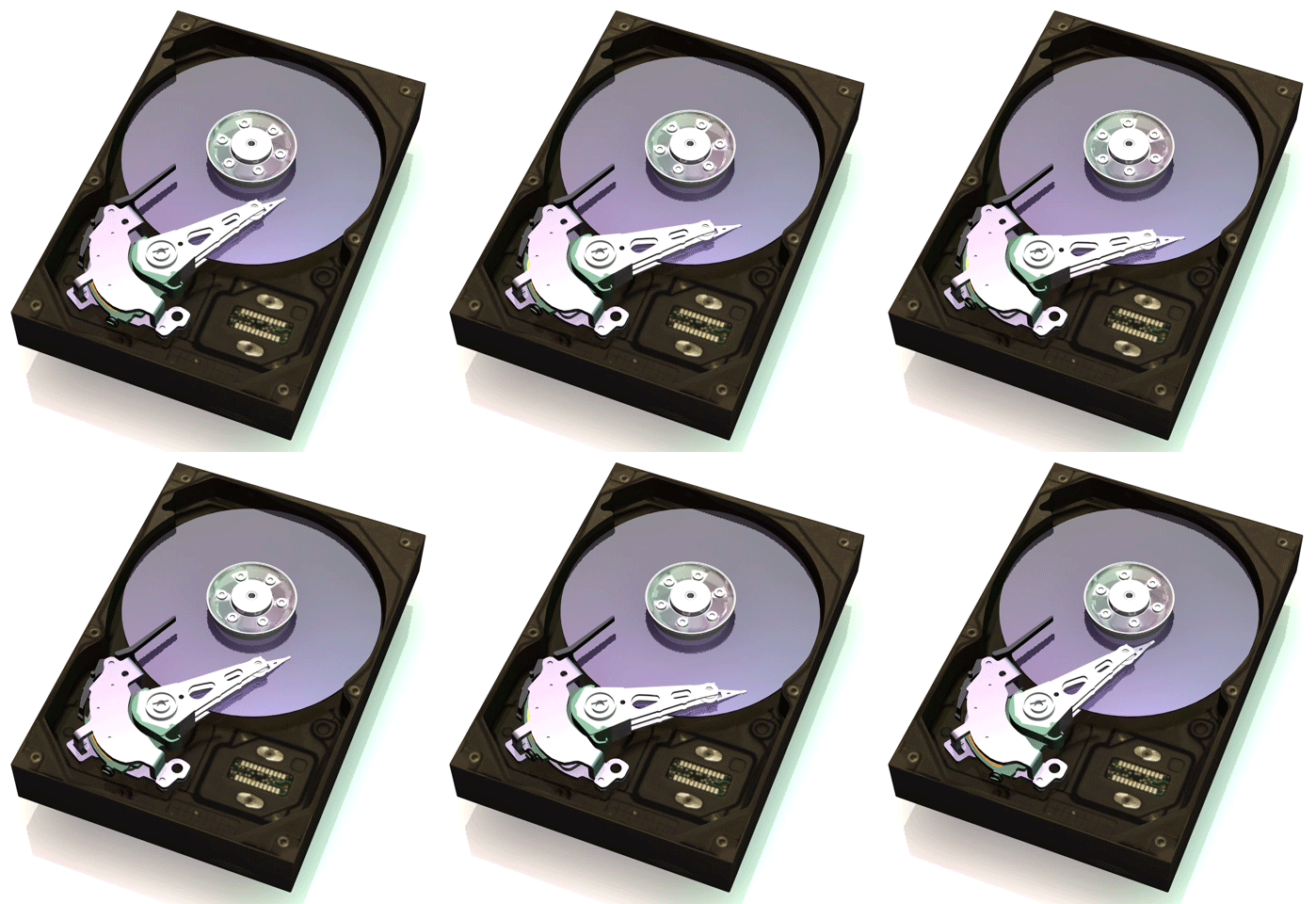
I created this animation of a Seagate Barracuda hard disk drive (HDD) around 2003, to clearly illustrate how internal components work together during operation. The 3D model was also used, in part or as a unit, to make various other rendered images to be used in marketing collateral, technical communications and white papers
At the time, I was the sole graphic designer and illustrator for the Global Product Marketing Team in Seagate, working out of their 1000-plus person research and development facility in Longmont, Colorado. Designing and building these drives is an incredibly high-tech process, and the marketing managers and I decided that this type of “illustration” would be useful in helping our customers understand the products.
The focus of this piece is clarity and accuracy—showing the physical relationship, motion, and function of the platter stack, actuator arm, read/write heads, spindle motor, and enclosure.
Purpose and use cases
This HDD animation was designed to support:
- Product marketing – explaining complex hardware in a visually simple way
- Educational content – helping viewers understand HDD internals and operation
- Technical presentations – clear visuals for non‑technical audiences
- Editorial or instructional articles covering how hard drives work
Technical breakdown
The goal was to balance engineering accuracy with visual readability, ensuring the animation remains useful even when paused or viewed frame‑by‑frame.
- Accurate component layout based on real HDD architecture
- Correct actuator arm motion across platter surfaces
- Platter stack spacing and rotation modeled to scale
- Clean part separation to clearly show relationships between components
Modeling and animation approach
This approach made the animation suitable not only for marketing, but also for instructional and explanatory contexts.
- Components were modeled individually to allow controlled separation and motion
- Animation timing was designed to emphasize function rather than speed
- Materials and lighting were kept neutral to avoid obscuring detail
- Camera movement was intentionally restrained to maintain orientation
Software and workflow
- 3D modeling, animation and rendering: Cinema 4D
- Post‑production: Minimal enhancement to preserve technical accuracy